Context Menu
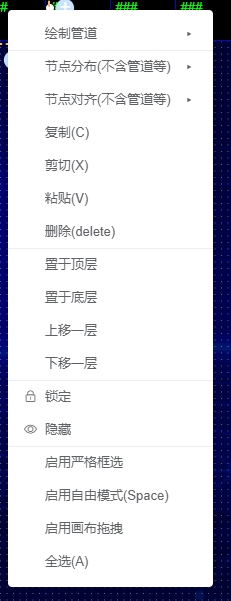
The context menu includes common operations such as draw pipeline, distribute / align elements, copy/paste, plus strict selection mode, free mode, and canvas drag mode.
Strict Selection
When enabled, an element must be fully enclosed by the selection box to be selected. When disabled, partial overlap is enough.
Free Mode (Shortcut: Space)
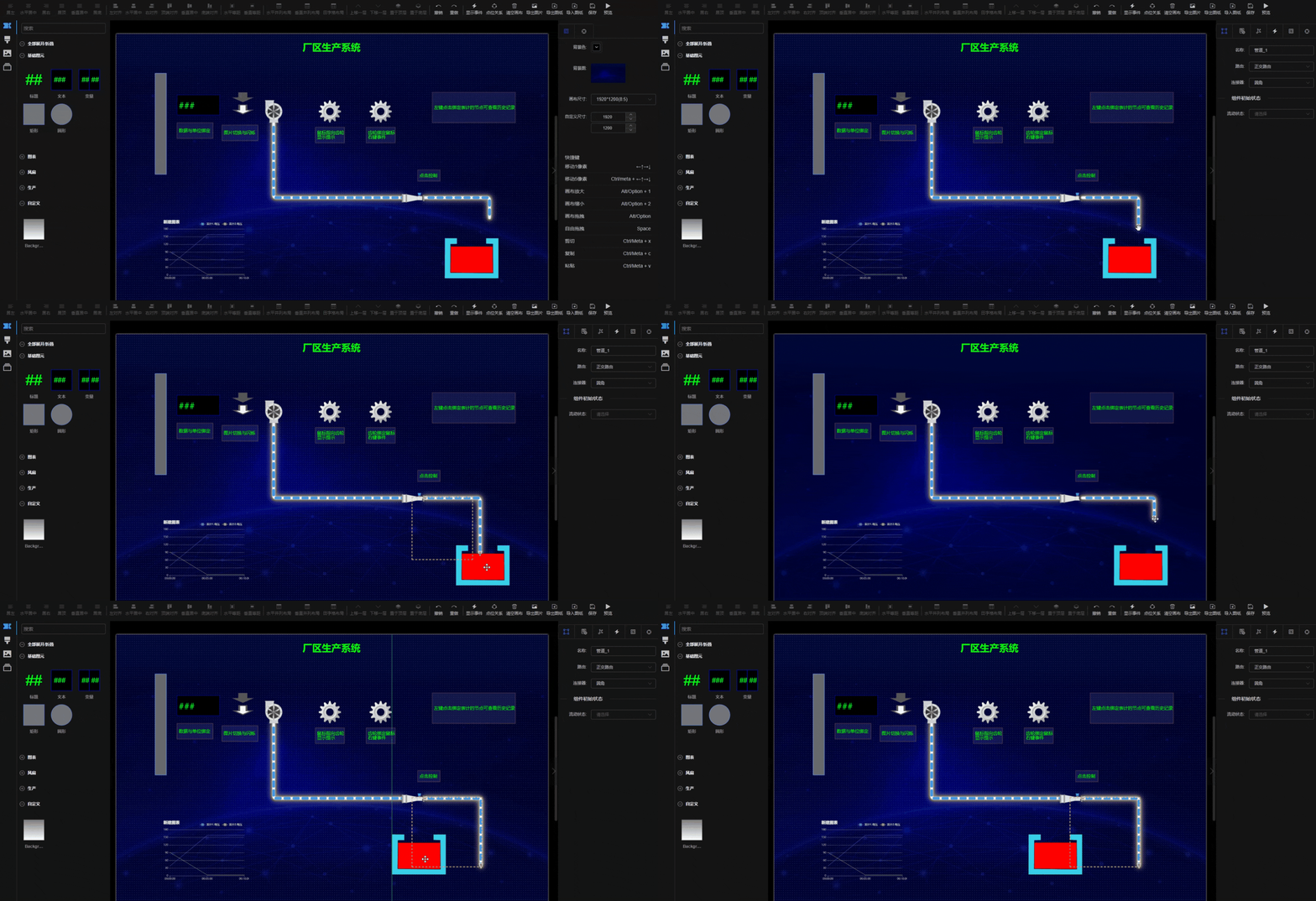
By default, the editor uses alignment guides, snapping, and grids to assist layout. In some cases these may interfere with fine positioning, or you may not want pipelines to snap to elements when dragging. Enable free mode to disable all auto-snap features.
Canvas Drag Mode (Shortcut: Alt)
Toggle between selection mode and canvas drag mode.