Logic & Animation
This section corresponds to the editor workbench tab Logic & animation — configure formulas, styles, and motion driven by tag data.
The system supports style changes, state changes, animations (blink, rotate), progress effects, and movement based on data. Below are the binding methods for each.
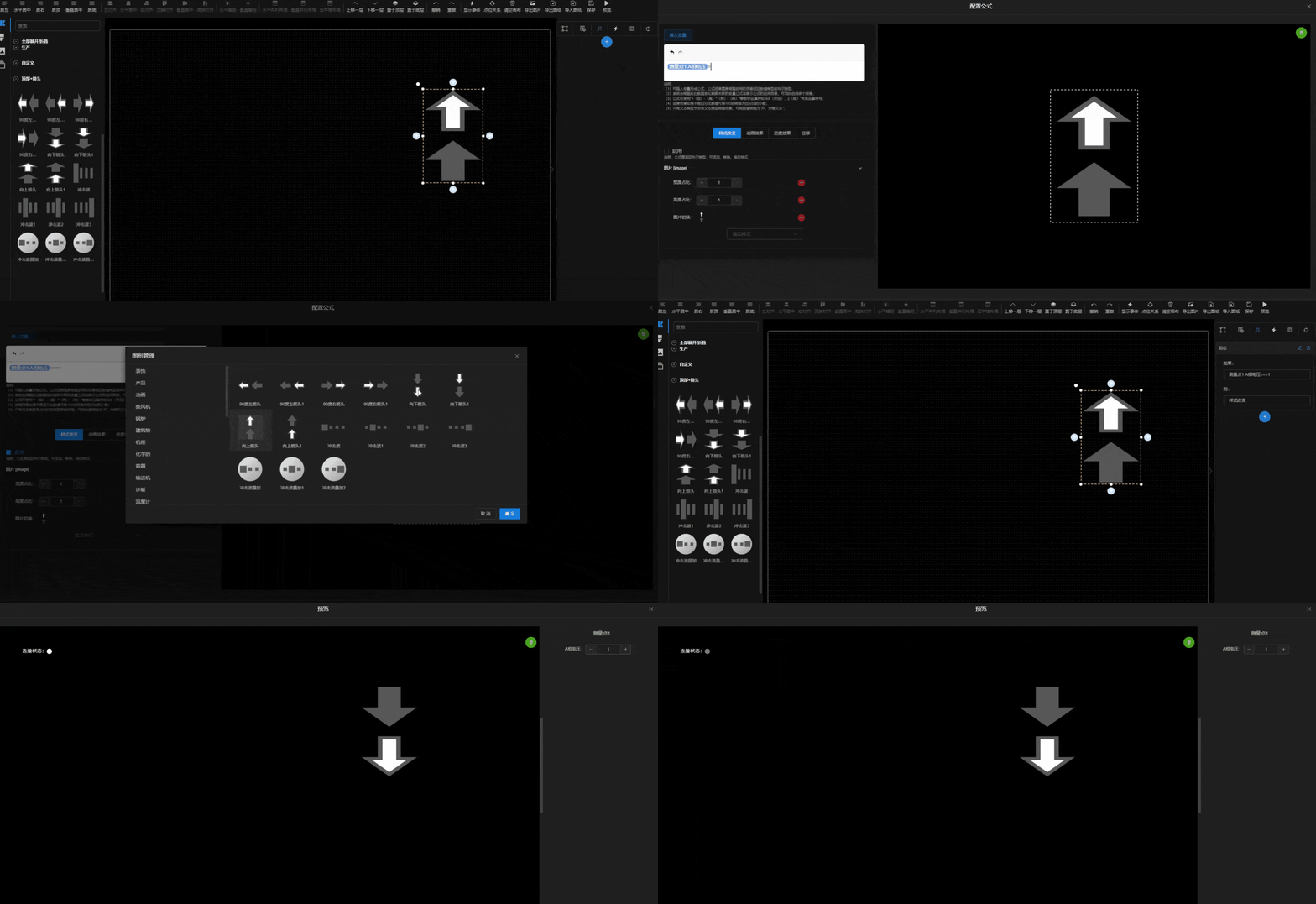
Bind Style
Enter a boolean formula in the condition box, enable style modification, and adjust the element style. This creates a new snapshot — at runtime, when the formula is true, the snapshot is applied.
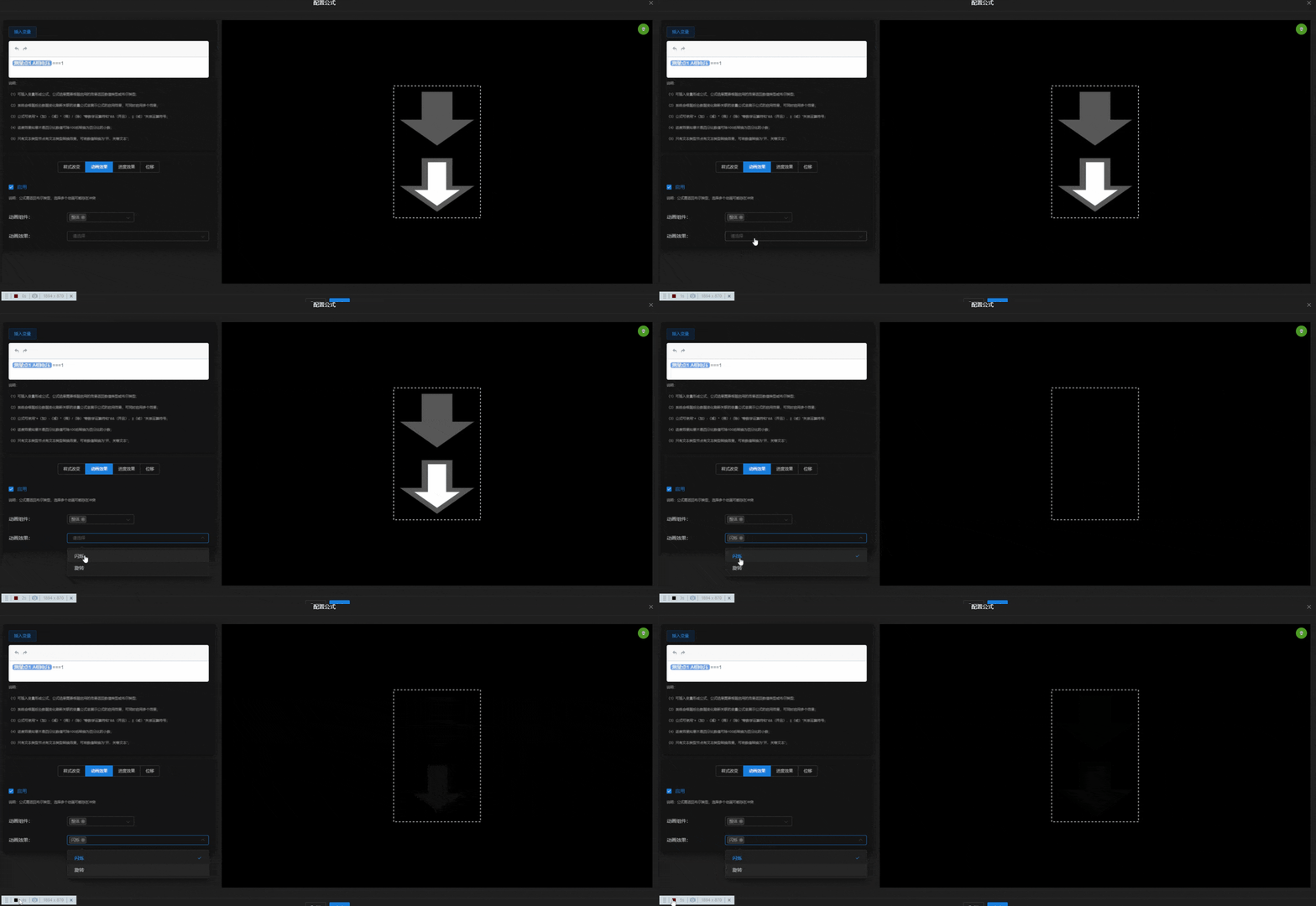
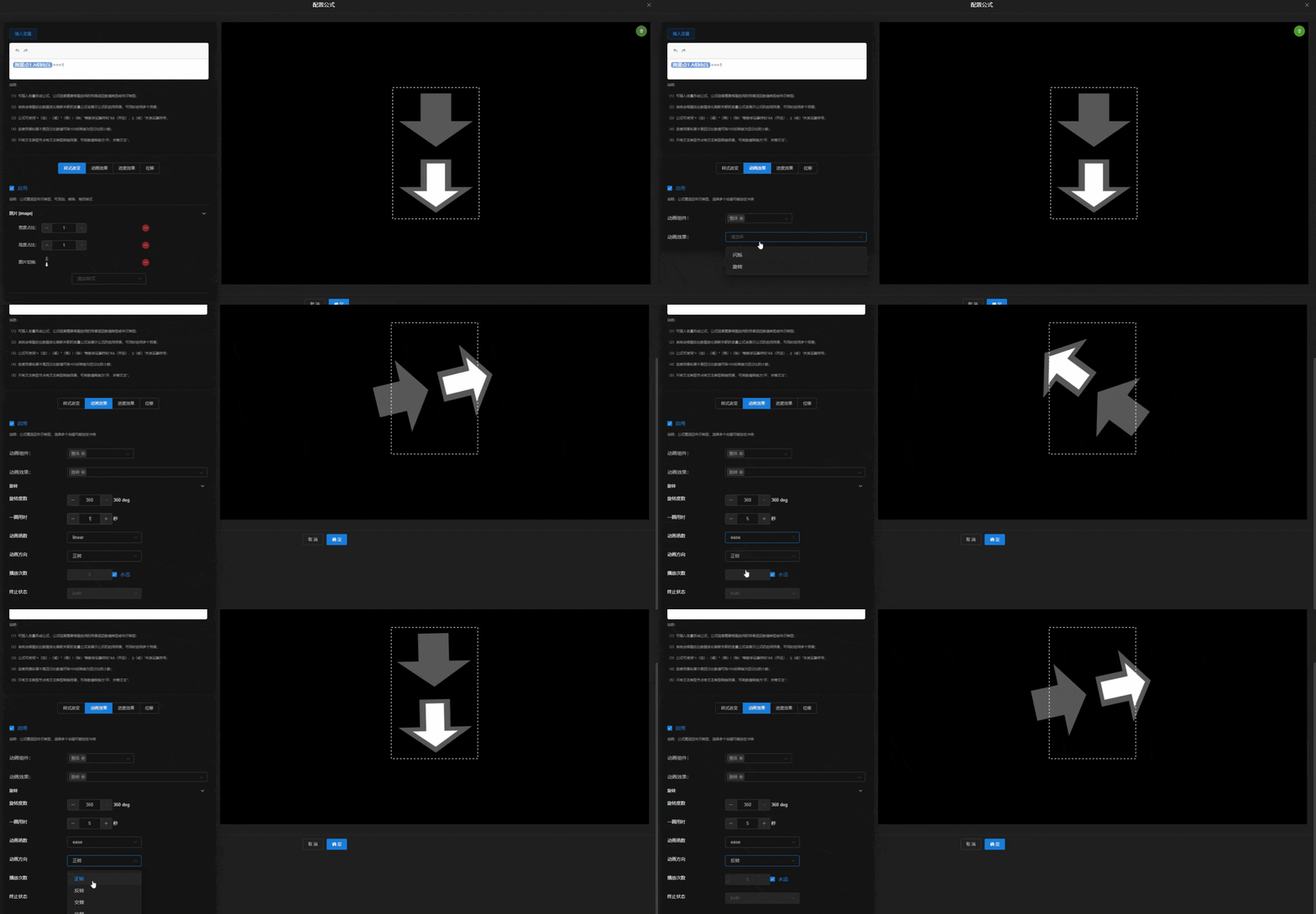
Bind Animation
Enter a boolean formula, enable animation, and select an effect. When the condition is true, the animation triggers. Multiple animations can be stacked, but they may conflict — preview to verify.
Progress Effect
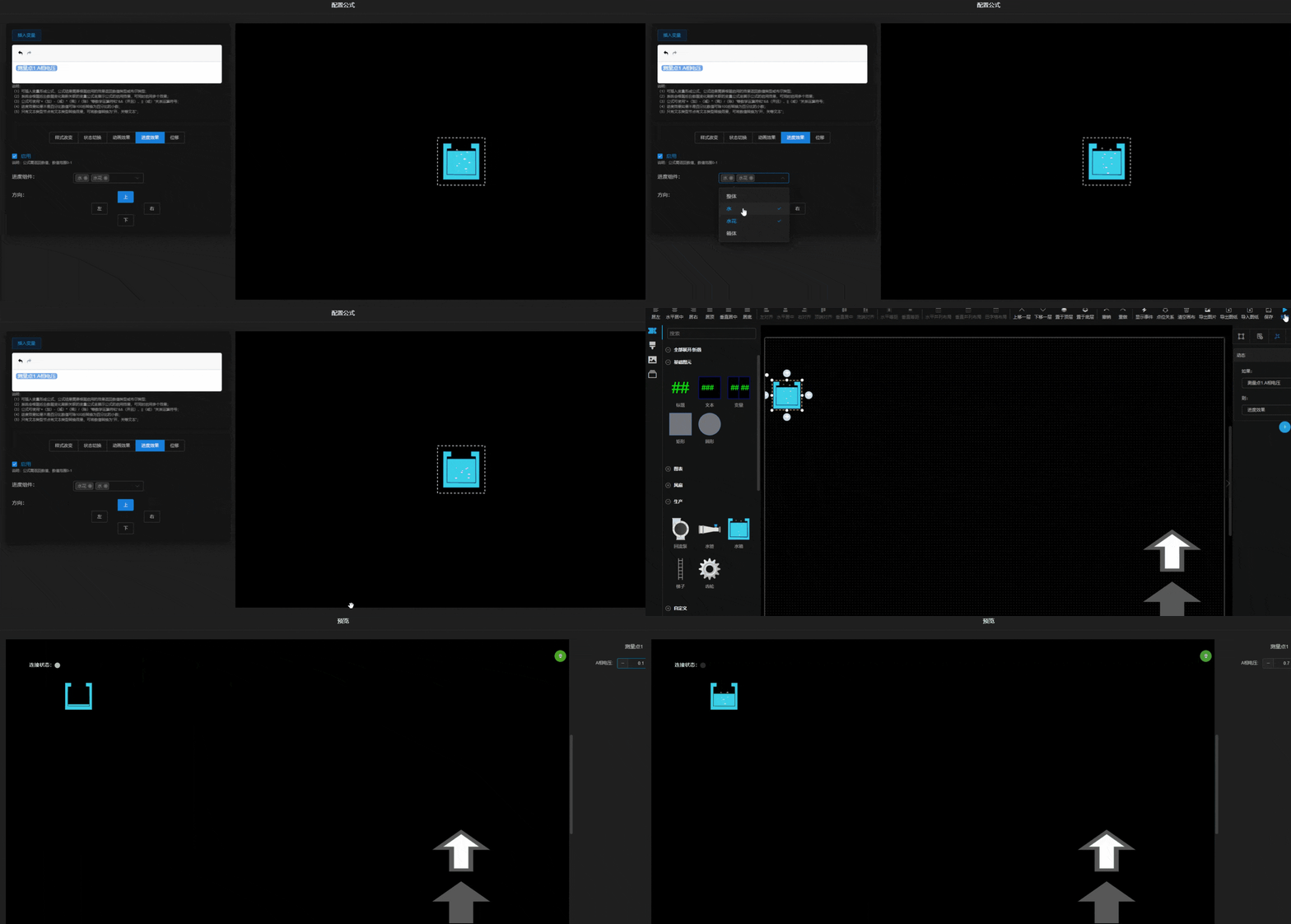
The formula is no longer boolean — select a tag and compute a percentage (0–1) via arithmetic. All elements support progress effects. Built-in elements can also choose which parts use the effect and the direction (up, down, left, right).
Movement
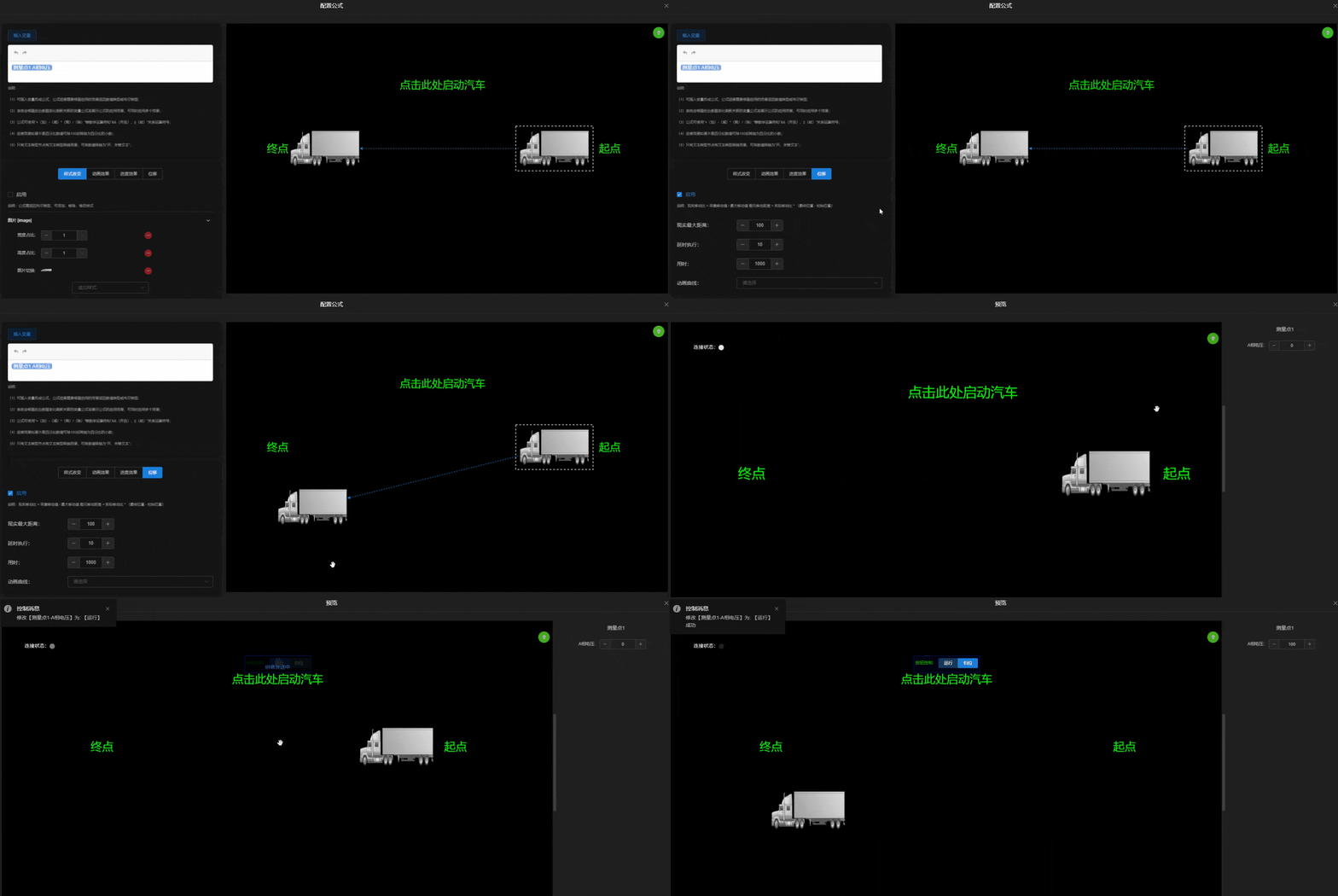
The formula is the actual movement distance. Enter the maximum distance — the element moves proportionally between its start and target positions (e.g. max 100m, actual 50m → 50% position).
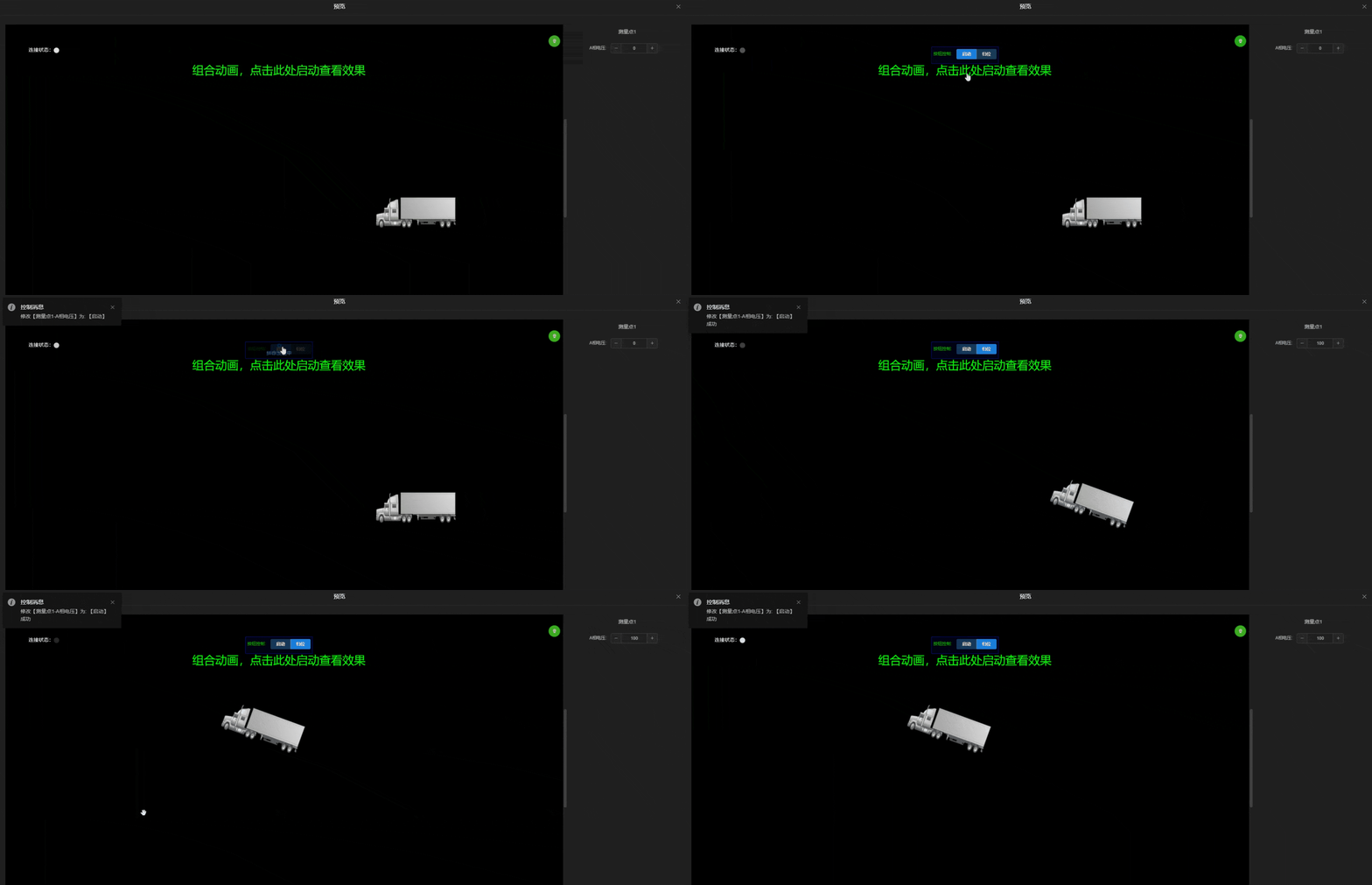
Combined Animation
Multiple effects can be combined, such as rotation plus movement below.